 Arbora
Interactive Satellite Map Layout
Design your garden on a real satellite view of your property. See your actual land and place plants exactly where they'll go.
See your real property
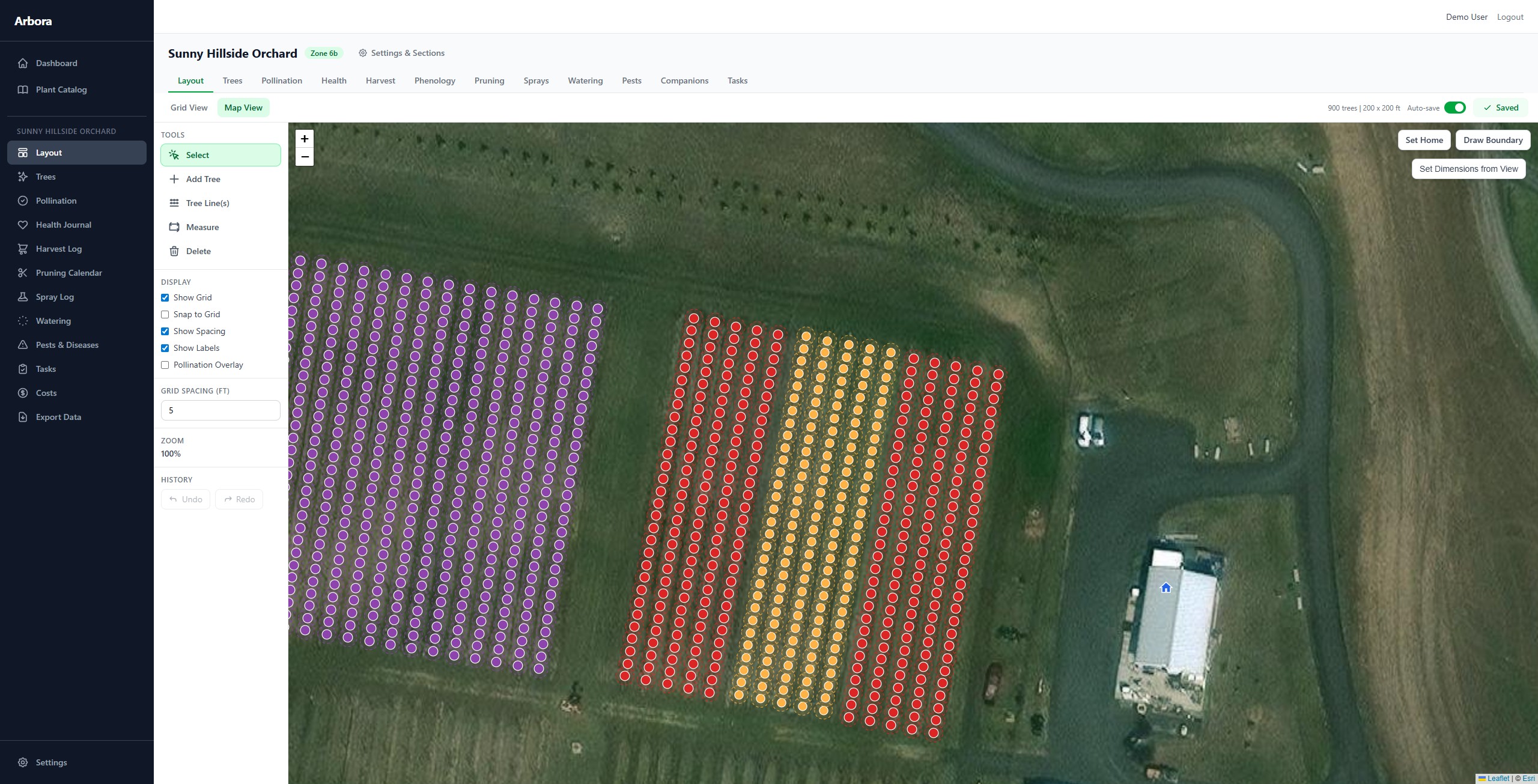
Arbora uses high-resolution satellite imagery so you can see your actual land — the fences, the driveway, the existing trees — and place new plants exactly where they'll go. Zoom in to individual planting spots or zoom out to see your entire property at once.
Set your orchard's home location, draw property boundaries, and organize plants into named sections like "Front Yard," "Back 40," or "Greenhouse."
Powerful placement tools
Place trees individually by clicking the map, or use the Tree Line tool to lay out an entire row at once — set the spacing, choose the variety, and rotate the line to match your terrain.
Every plant snaps to a configurable grid for precise spacing, or place freely for a more natural layout. Select multiple trees with Ctrl+click or drag-select, then move them as a group. Undo and redo any change.
Visual clarity at a glance
Each plant displays with a customizable color and symbol so you can tell your Honeycrisps from your Galas instantly. Toggle spacing circles to visualize how much room each tree needs, or turn on the pollination overlay to see which trees can pollinate each other.
Choose from 29 available symbols across geometric shapes, fruit icons, and plant markers. Assign custom colors to each variety so your map layout is visually meaningful.
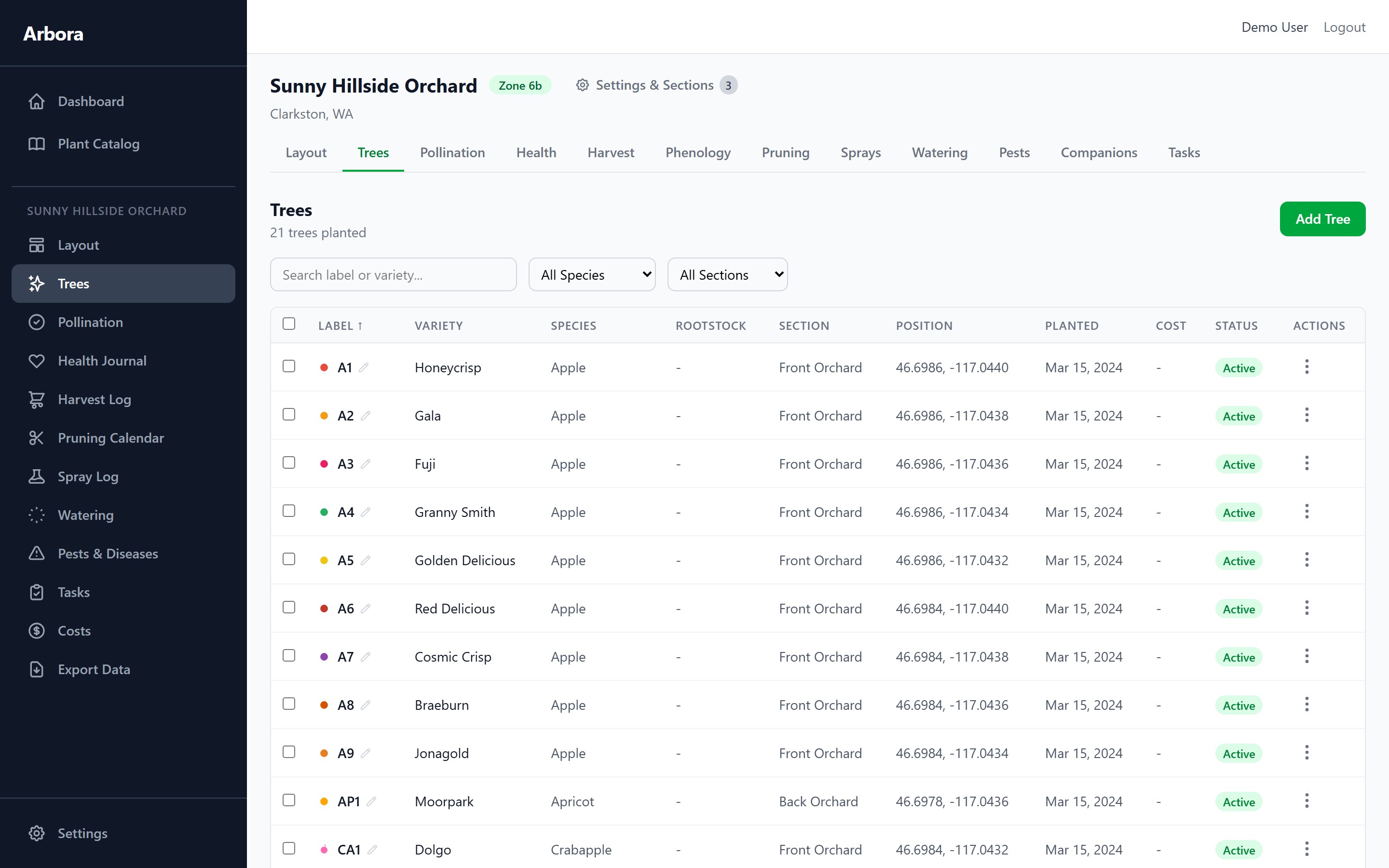
Customize colors and symbols for each variety